Honeywell Voyager XP 1470g: 7 Reasons It Wins in 2026
The Honeywell Voyager XP 1470g is a handheld barcode scanner that has become a quiet workhorse across retail floors, warehouses, and service counters. If your team still fights with a scanner that misses damaged labels or struggles under a dim shelf, the Honeywell Voyager XP 1470g is the kind of upgrade staff notice on day one. In this practical 2026 guide we walk through seven reasons it earns its place, where it fits best, and how it slots into a faster, better-organized operation.
Rather than repeating a spec sheet, we focus on how the device behaves in the messy real world — torn labels, curved packaging, and the constant need to scan quickly without a second pass.
Why the Honeywell Voyager XP 1470g Reads What Others Miss
The headline strength of the Honeywell Voyager XP 1470g is its aggressive decode performance. It captures poor-quality, damaged, and low-contrast barcodes that trip up older laser scanners, and it does it from farther away. For a busy handheld, that reliability is everything.
Seven reasons teams choose it:
- Superior decode: reads scratched, wrinkled, and faded labels on the first try.
- 2D imaging: handles QR codes and mobile screens, not just linear barcodes.
- Wide working range: scans both near and surprisingly far.
- Comfortable grip: balanced for all-day handheld use.
- Durable build: survives repeated drops onto hard floors.
- Easy integration: plug-and-play with common POS and ERP systems.
- Low downtime: fewer misreads mean fewer frustrated rescans.
To get a genuine unit with proper warranty and firmware, source the Honeywell Voyager XP 1470g from an authorized reseller.
Where Does a Handheld Scanner Fit Best?
Presentation scanners shine at a fixed till, but handhelds win wherever items are bulky, heavy, or spread across shelves. The Voyager XP 1470g is ideal for:
- Stock-taking and shelf audits in retail.
- Goods-in and dispatch scanning in warehouses.
- Price checks and click-and-collect fulfilment.
- Service counters where staff scan customer devices and documents.
Spec Snapshot vs. an Older Laser Scanner
| Capability | Voyager XP 1470g | Legacy laser scanner |
|---|---|---|
| Code types | 1D and 2D + phone screens | 1D only |
| Damaged-label reads | Excellent | Poor |
| Drop resistance | High | Moderate |
| Mobile coupon support | Yes | No |
Connecting Scanning to Smoother Customer Flow
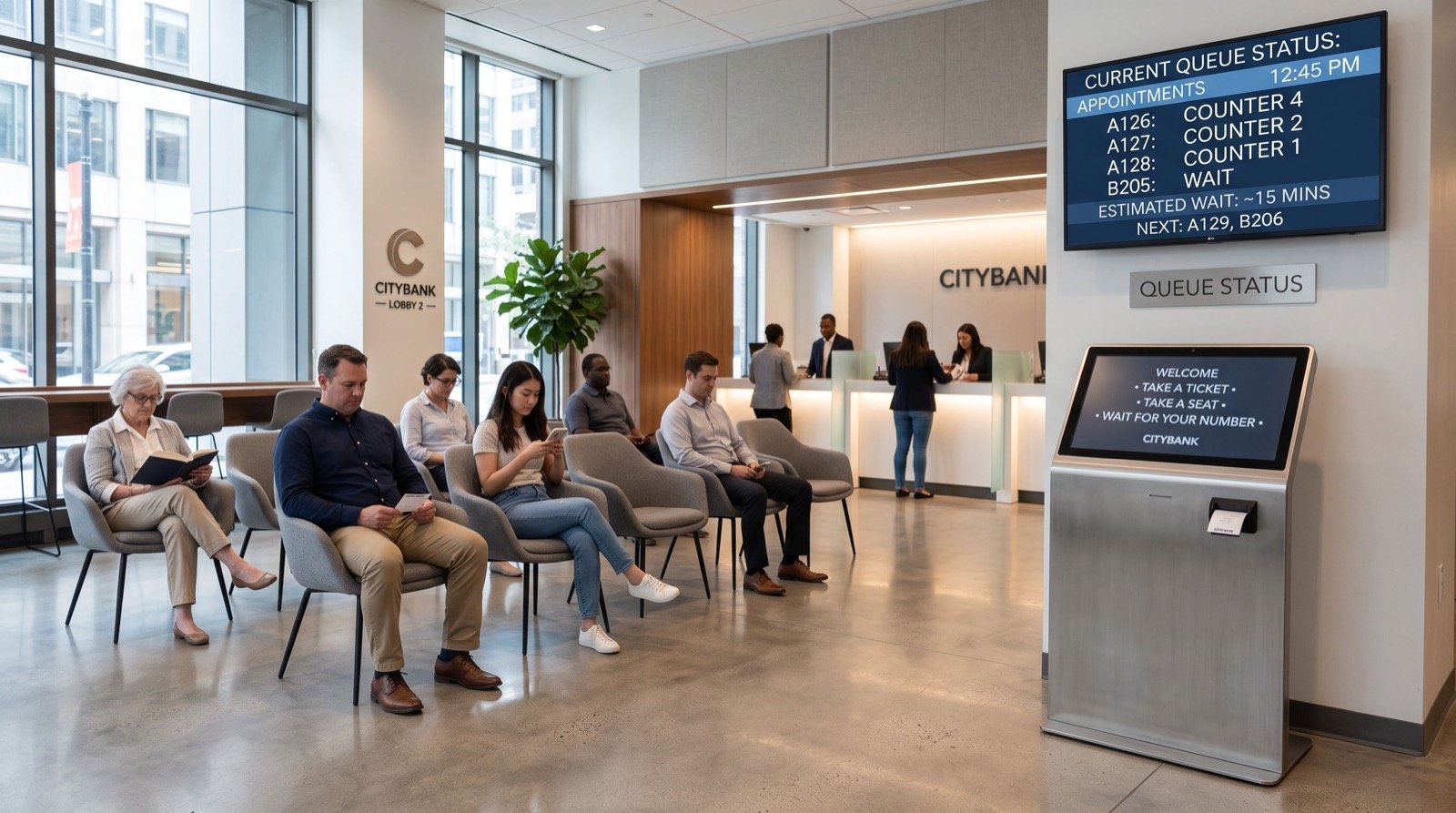
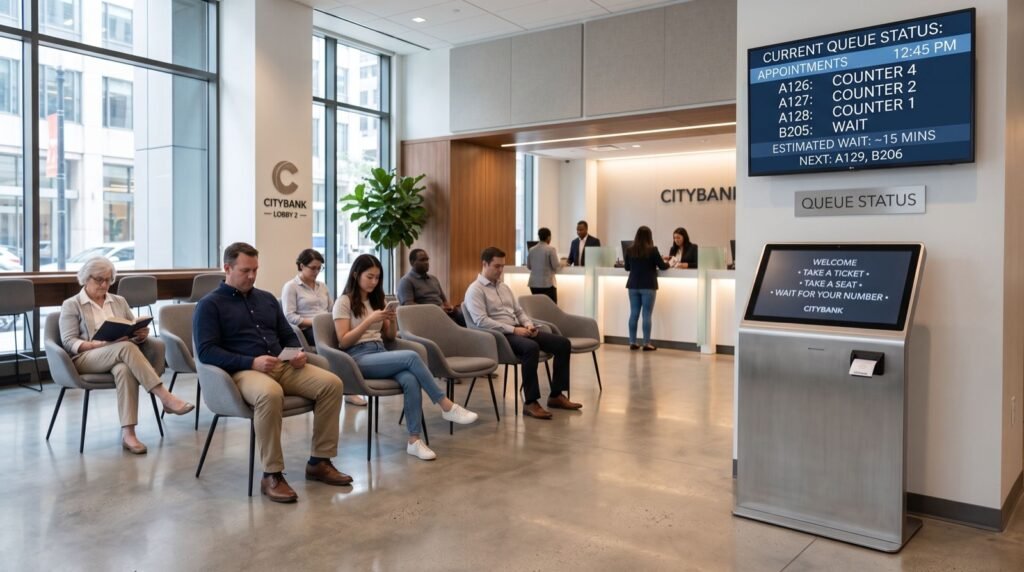
A fast, accurate scan is only valuable if the customer in front of the counter is actually moving. In service-heavy environments — telecom stores, banks, pharmacies — the scanner speeds each interaction while a queue management system in saudi arabia organizes who is served next and keeps the line visible and fair. Hardware and flow control work together: one shortens the task, the other shortens the wait.
A simple efficiency loop
Scan faster, resolve queries sooner, free the counter, and let the queue platform call the next customer. Repeat that loop hundreds of times a day and the whole store feels quicker without adding staff.
Deployment and Care Tips
To get the most from a handheld fleet, adopt a few disciplined habits:
- Assign scanners to stations, not individuals, to spread wear evenly.
- Wipe the imaging window daily; smudges cause most “won’t scan” tickets.
- Keep cradles by every till so a scanner is never lost mid-shift.
- Standardize one model to simplify training and spares.
An original tip: log every failed scan for a week. Most teams discover the failures cluster around a handful of supplier labels, not the hardware — a quick conversation with that supplier fixes more than a new scanner would. For setup and support, partner with trusted professionals who tune the device to your workflow.
Standards and Reliability
Barcode reliability depends on labels printed to spec. The global standards organization GS1 defines the barcode and QR symbologies your scanner must decode, so a device that reads GS1-compliant codes today will keep pace as retail labeling evolves through 2026 and beyond. Choosing a widely supported imager like the Voyager XP protects that investment.
Handheld or Presentation: Which Should You Buy?
Many operations need both, but knowing which to lead with saves money. Use this quick guide based on how your staff actually move.
| If your work involves… | Lead with | Why |
|---|---|---|
| Bulky or heavy items | Handheld (Voyager XP) | Bring the scanner to the item |
| Fixed high-volume tills | Presentation scanner | Hands-free sweep speed |
| Shelf audits and stock counts | Handheld (Voyager XP) | Mobility across aisles |
| Mixed counter and floor work | Both | Cover every scanning scenario |
For most warehouses and service counters, a rugged handheld is the anchor purchase because it flexes across the widest range of tasks.
Real-World Payback: A Warehouse Example
Consider a mid-sized distribution center that swapped aging laser scanners for the Voyager XP. Within the first month, the picking team reported three concrete changes:
- Fewer stalled scans on scuffed pallet labels, so pickers stopped hand-keying codes.
- Faster goods-in because the wider read range let staff scan without repositioning boxes.
- Lower error rates on dispatch, cutting costly re-ships.
None of those wins came from a single flashy feature. They came from a scanner that simply reads reliably, every time, which is exactly what a busy operation needs. Reliability, not novelty, is what compounds into savings over a full year of trading.
Cabled or Cordless: Getting the Format Right
The Voyager XP family covers both corded and cordless workflows, and choosing correctly avoids wasted spend. The decision comes down to how far your staff roam from the base.
- Corded suits fixed counters where the scanner never leaves the till — no charging, no batteries, always ready.
- Cordless suits pickers and shelf auditors who need to walk to bulky stock, trading a little charging discipline for freedom of movement.
- Mixed fleets let you standardize on one model family while matching each station’s real needs.
Whichever format you pick, keep charging cradles and spare cables where staff can reach them. A scanner that is flat or unplugged mid-shift costs far more in lost time than the accessory ever would, and a small stock of spares keeps every station trading through the busiest days of 2026.
Frequently Asked Questions
Can the Honeywell Voyager XP 1470g scan 2D and QR codes?
Yes. It is a 2D area imager, so it reads QR codes and phone-screen barcodes in addition to standard 1D retail labels.
Is it tough enough for warehouse use?
It is built to survive repeated drops onto hard surfaces, which suits goods-in, dispatch, and stock-taking work as well as retail counters.
Will it read a torn or faded barcode?
Its aggressive decode engine is specifically strong on damaged, low-contrast, and wrinkled labels that defeat older laser scanners.
Does it integrate with my existing systems?
It connects over common interfaces and behaves like keyboard input, so it works with most POS, ERP, and inventory platforms with minimal setup.
Conclusion
The Honeywell Voyager XP 1470g is a rugged, aggressive-reading handheld that removes the daily friction of missed scans — and when it works alongside smart queue management, it helps your whole operation move faster in 2026. Buy genuine, care for the imager window, and standardize your fleet. Ready to stop fighting your scanner? Get expert guidance and order the right model today.